Inform Select: i2i Subscription Guide
i2i Subscription: Getting Started Guide
Welcome to i2i! This guide walks you through logging in and accessing the standards included in your subscription. It also covers how admins can manage and approve access requests, add new users in your subscription group, and how non-admin users can request access to standards.
Logging In
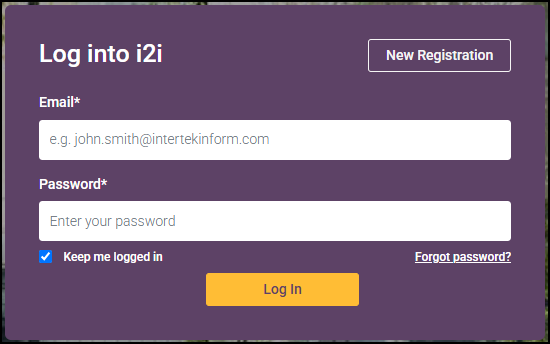
Log in to i2i using your registered email address in i2i: https://eu.i2.saiglobal.com/signon/signon
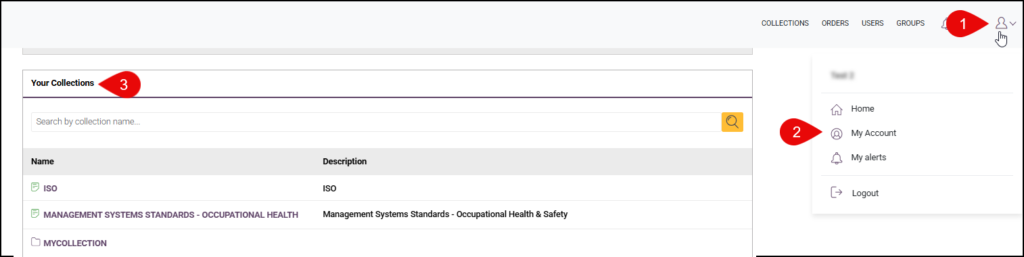
3 Quick Ways to Access Your Standards Collection*
- On your home page, go to My C2V Standards and click on a collection.

- Go to your My Account page and go to Your Collections section.
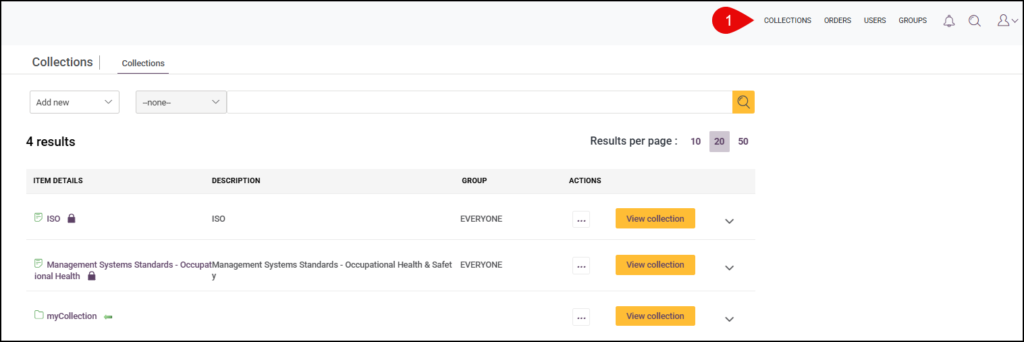
- For Admin users, click Collections in the top navigation

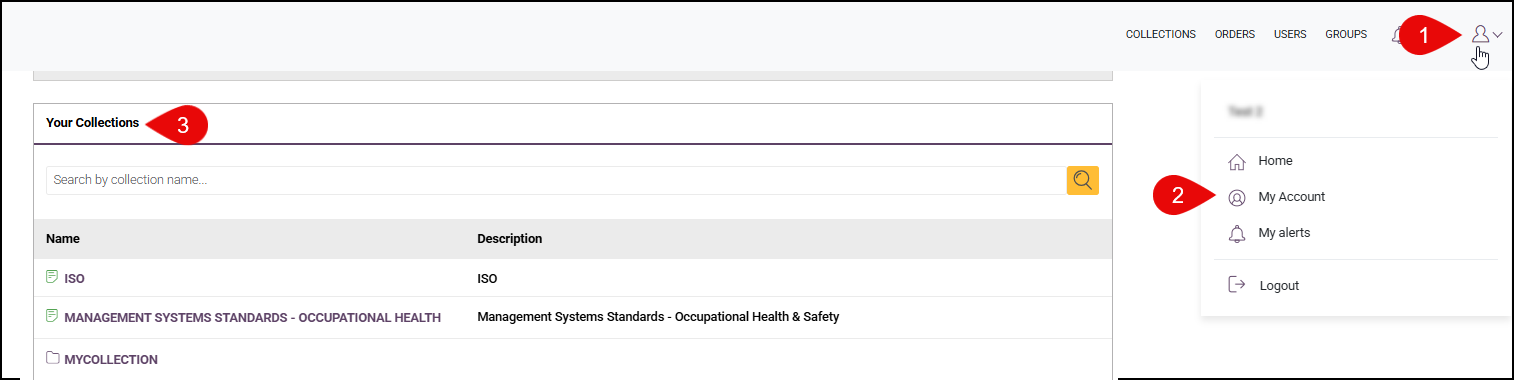
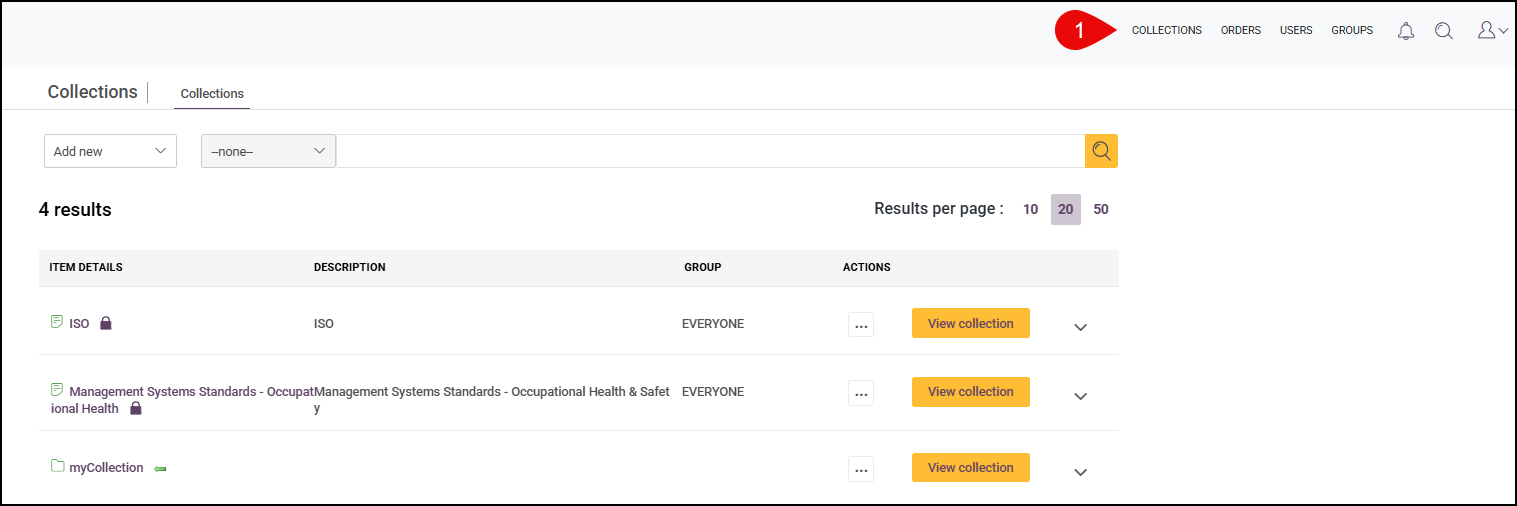
*Collections that are already set up with standards content. See Select by Publisher in the Standards Package section on how to add standards to your package.
Standards Packages
Select by Publisher
Access a defined number of standards from one publisher, ideal for organisations that work predominantly within a single standards body.
How to request?
- Search for a standard from the publisher included in your package.
- On the Product Page, click on Request Access, then Submit.
- Your subscription’s user admin will need to approve the request before the standard is added to your subscription’s collection.
- Once standard is approved and added to the collection, refer to 3 Quick Ways to Access Your Standards Collection above on how to quickly access them.
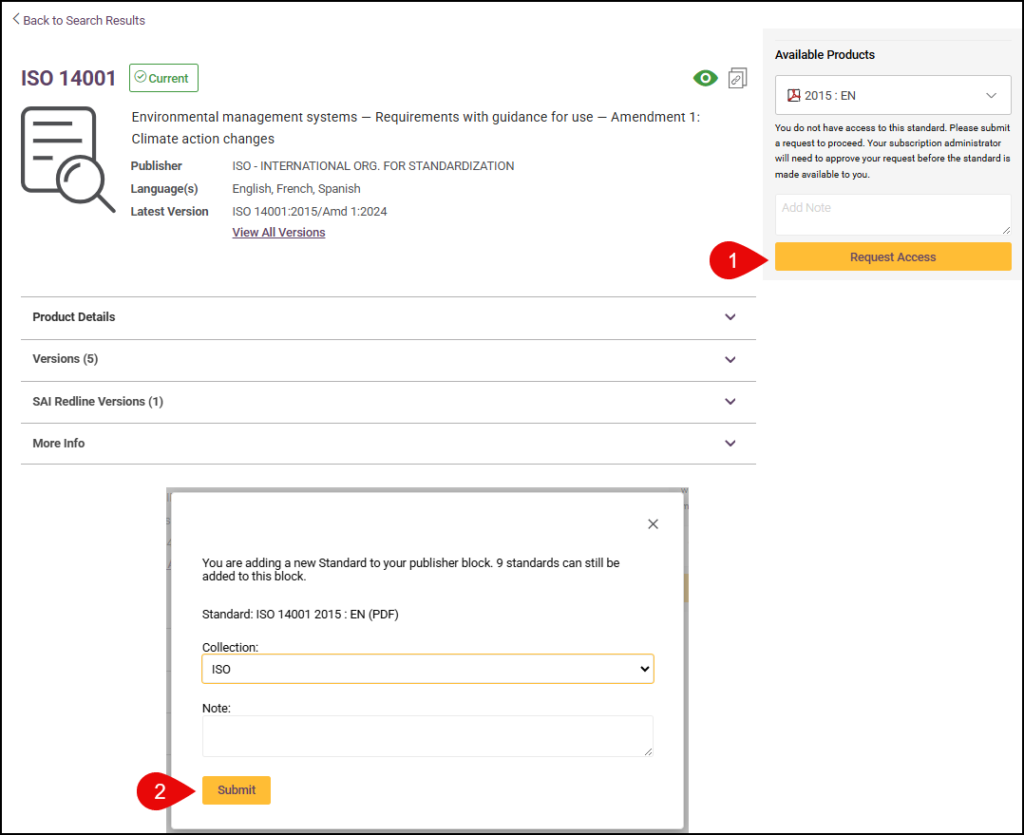
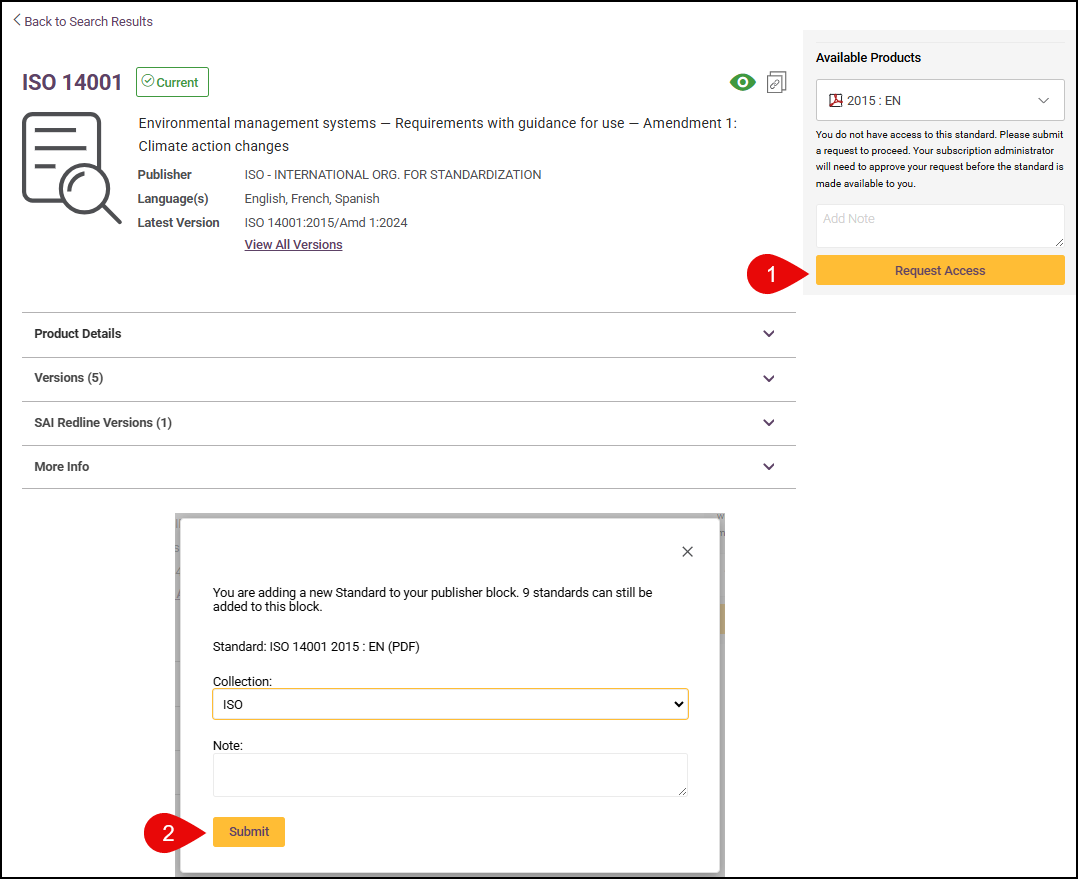
How to approve? (For Admin User)
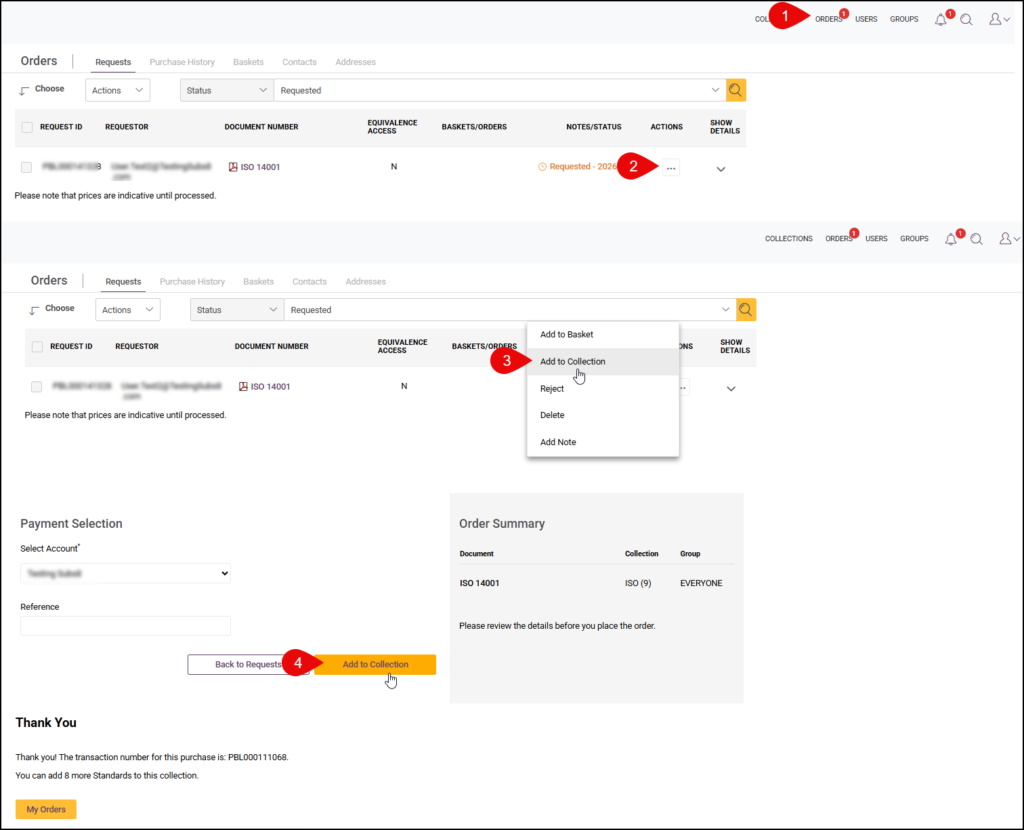
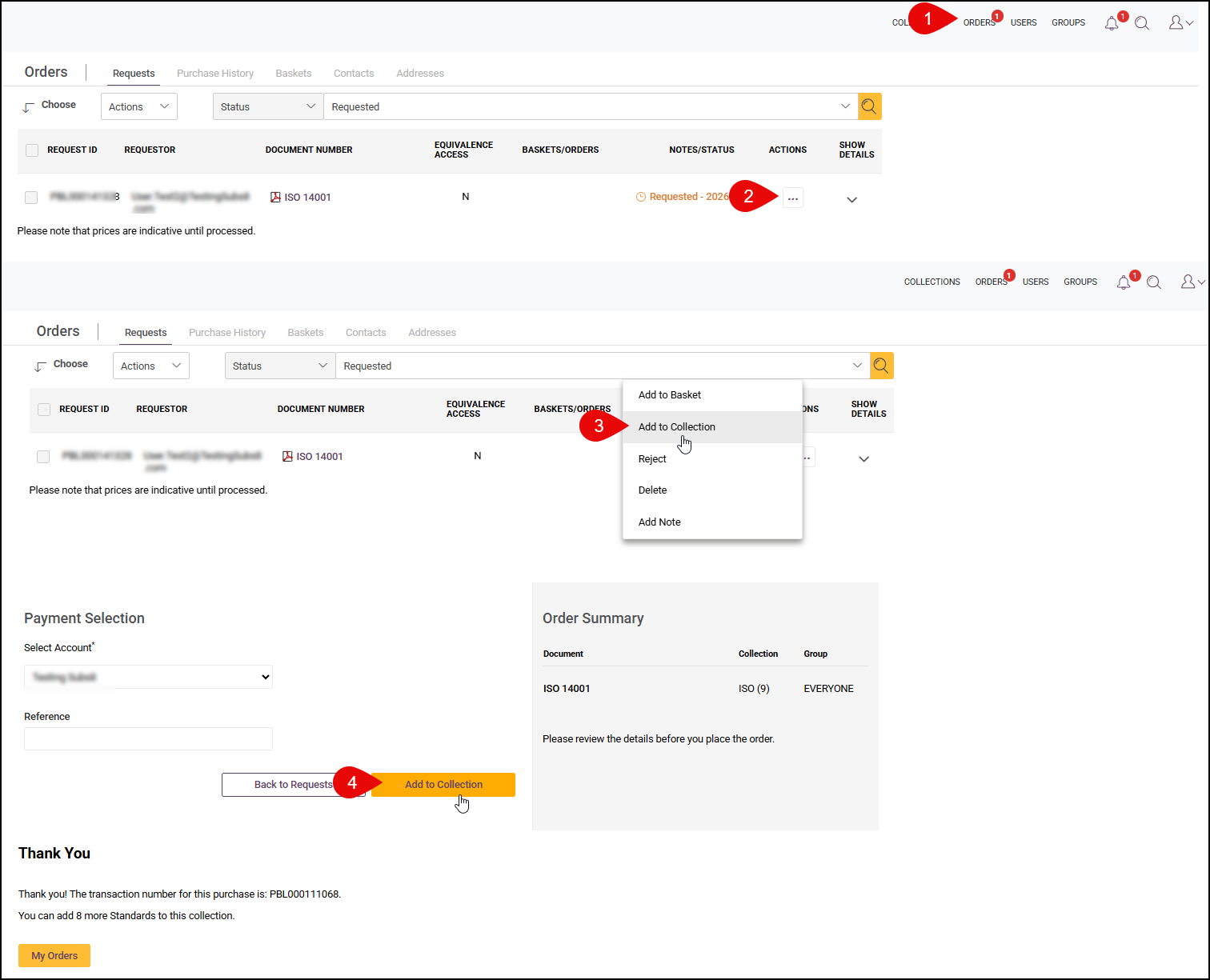
- Go to Orders page – Requests tab.
- In the actions option, click Add to Collection.
- For bulk approval, select all requests to approve, then Click on Add to Collection from the bulk actions menu.
Select by Industry
Curated collections of standards from one or across multiple publishers, assembled around the way your industry actually works.
- A pre-determined list of standards included in your package has already been created and added to your collection
- Refer to 3 Quick Ways to Access Your Standards Collection above on ways to access your curated list.
Adding a User (for Subscription Admin only)
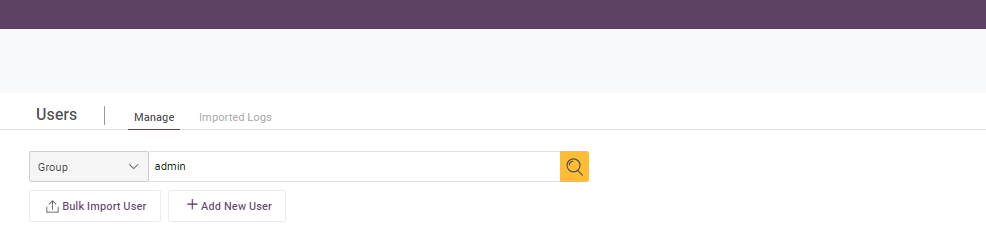
Users can be added via ‘Users’ in the i2i menu.

To add individual users, click ‘Add New User’.
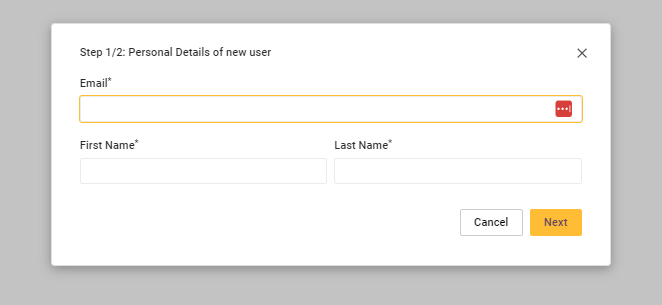
 Then add the users email address and name.
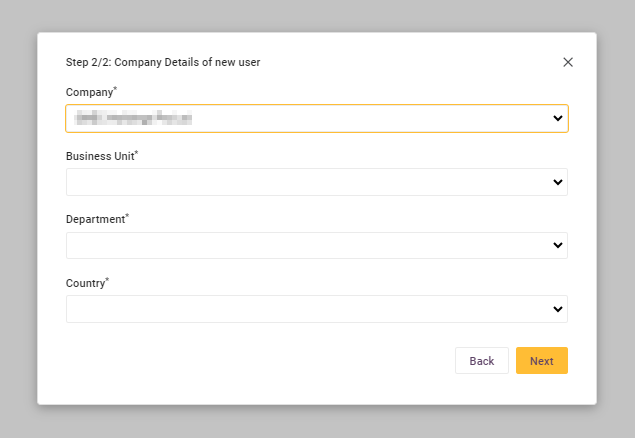
Then select Company, Business Unit, Department and Country, where appropriate.
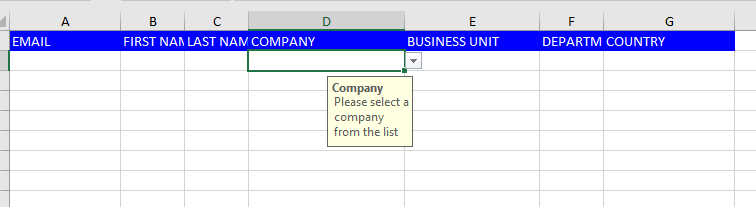
 To register multiple users, you can do a Bulk Import. To start the process, click on ‘Bulk Import User’ and download template.
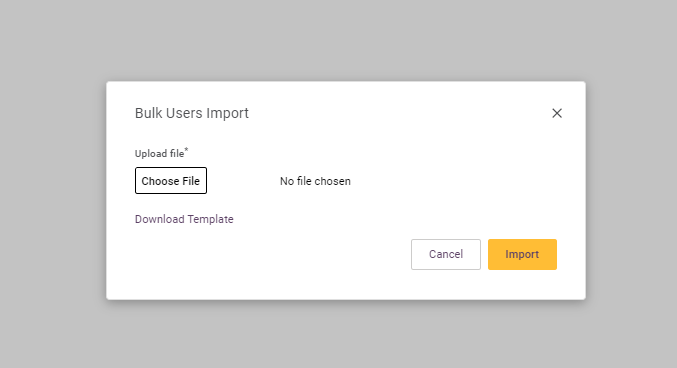
Open the template, fill out the details and select then select the appropriate, Company, Business Unit & Country, from the drop down lists.